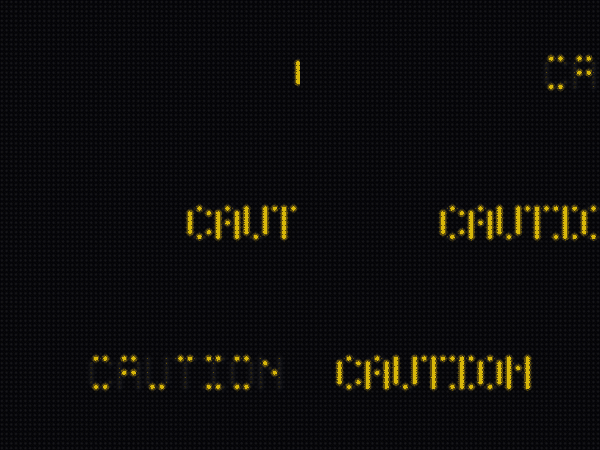
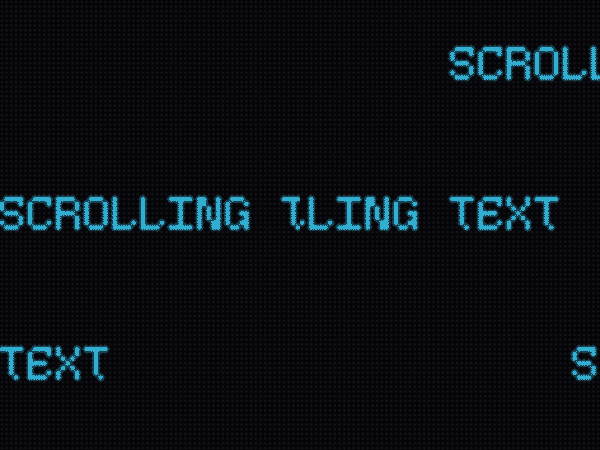
Every visual API in ScrollKit, shown in isolation on a canvas chosen to flatter the
effect — deliberately different from the themed Demo Gallery, so you
can see the effect itself, not an app. Each sample was recorded from the desktop
simulator (make docs-reference) and links back to the guide that documents it.
See it live
A GIF loses the true LED look. To watch any effect in the real simulator window:
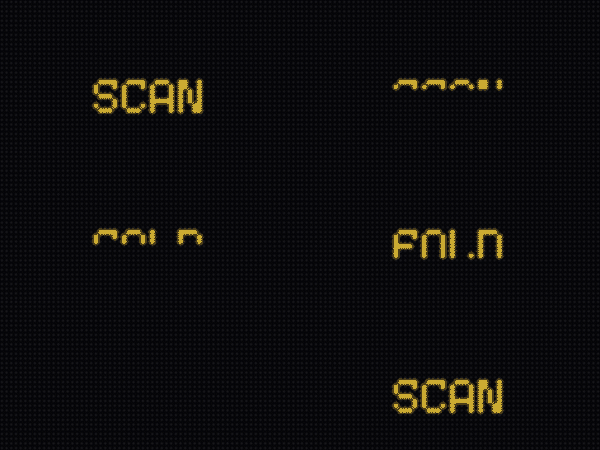
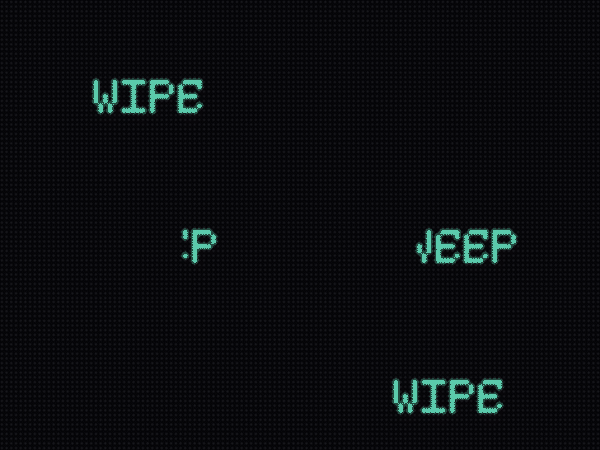
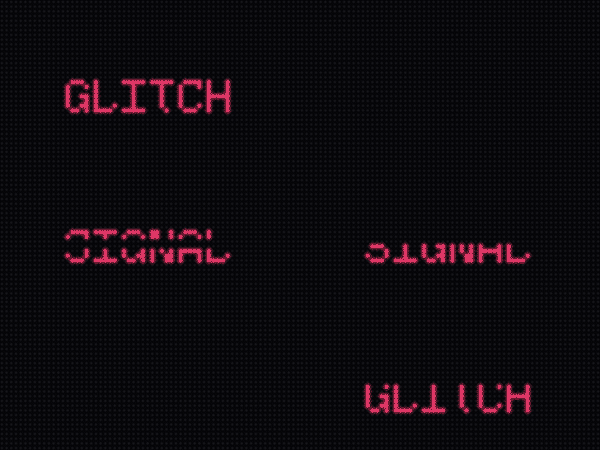
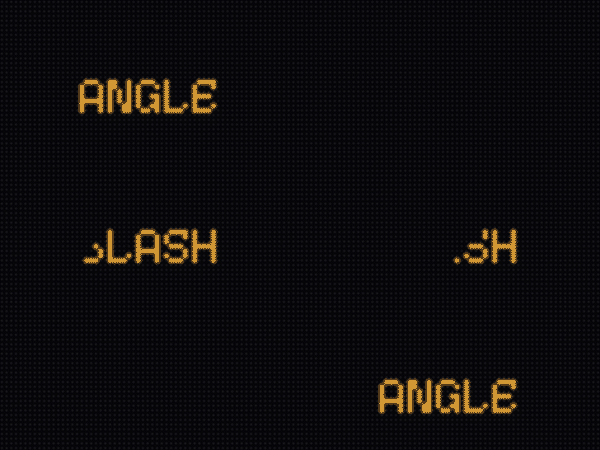
Full-screen swaps between content — cover the old, swap while hidden, reveal the
new. Set via the transition_style setting. Full details:
Theatrical Transitions.
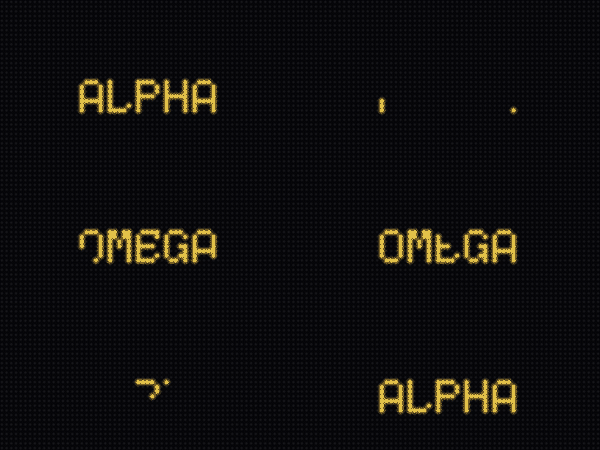
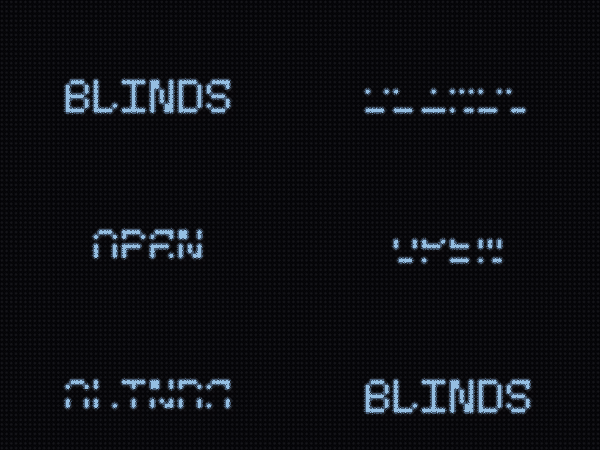
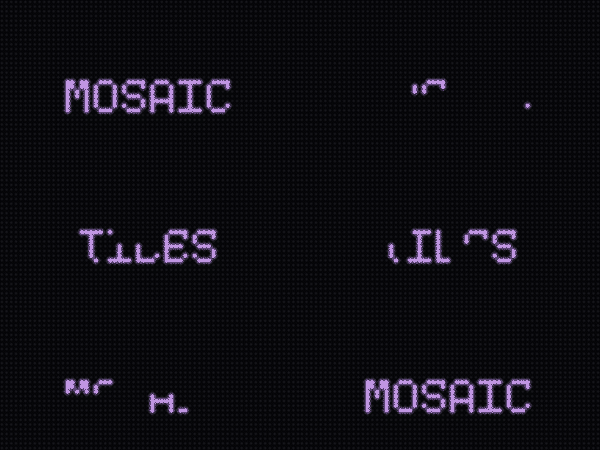
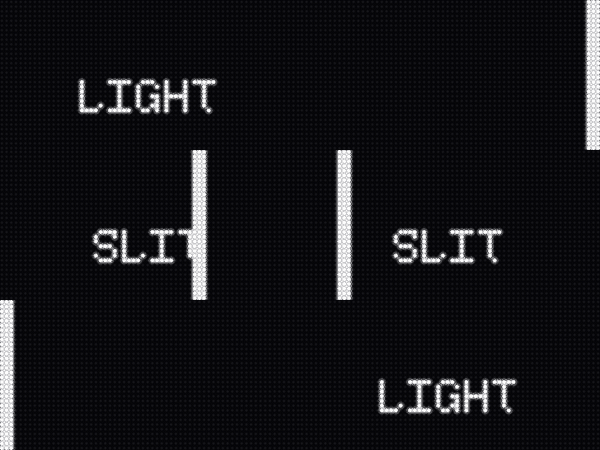
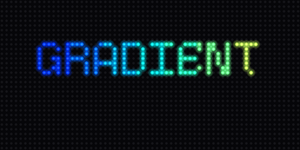
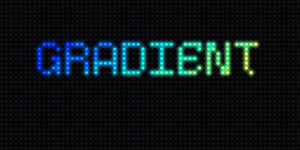
Drop from SkyPixel DissolveColumn RainGradual RevealScan FoldHorizontal WipeGlitch BarsDiagonal WipeIris SnapVenetian ShuttersMosaic ResolveCRT CollapseLight Slit
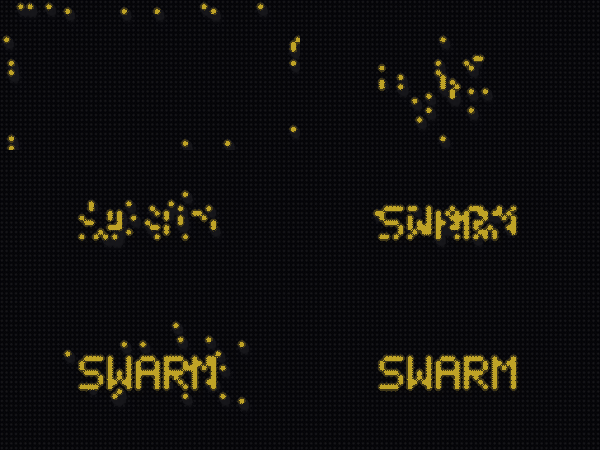
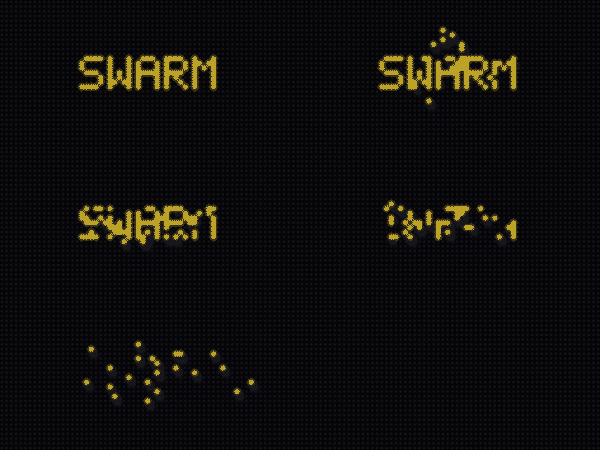
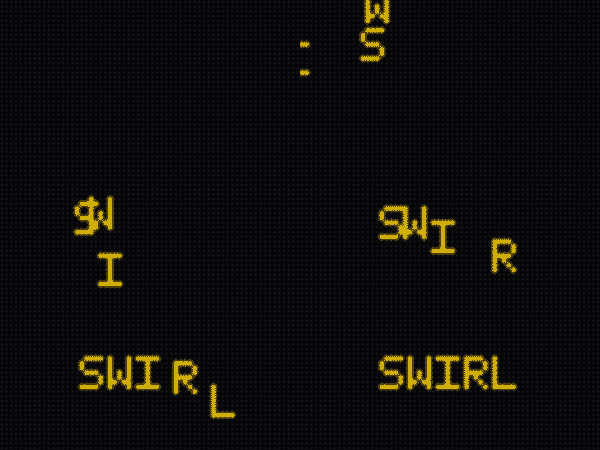
Setup-time reveals that assemble a word or logo. Documented in
Effects.
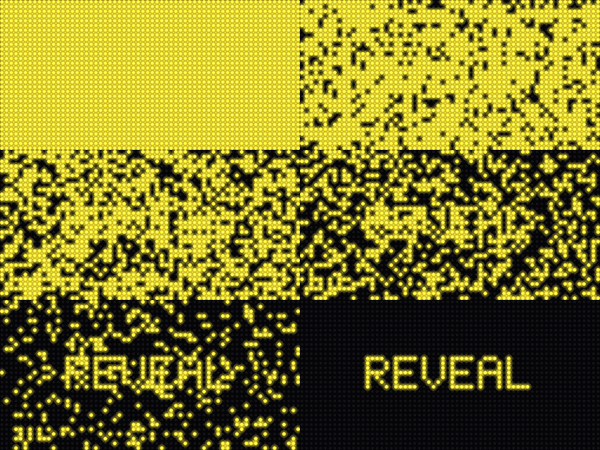
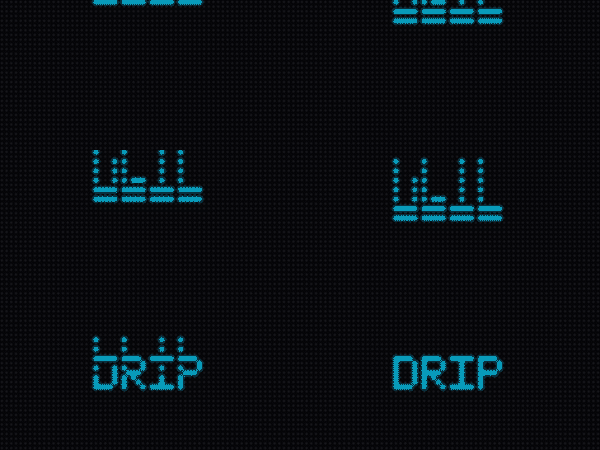
reveal — wink off non-text pixelsdrip — pixels fall into placeswarm — a flock assembles the imageswarm reverse — the flock carries the image awaySwirlIn — sprites spiral onto their targets
Dwell animations on a palette-partitioned mark — pure palette writes,
zero per-frame pixel work. Documented in
Palette Partitions & Treatments.
VelvetSweep — a hot sheen crosses diagonallyAnchorWake — warmth flows out and echoes backHaloPulse — pressure waves expand radiallySonarSweep — a sector sweeps with afterglowCipherRain — staggered highlights descendInkShimmer — interleaved satin shimmerRimLight — a passing light catches stroke edgesHeatmapDrift — regions warm and coolEclipseCross — a shadow with a hot coronaGradientDwell — a gradient edition and backStrokeAnatomy — endpoints, corners, junctions, runsRouteCircuit — packets converge on the terminusPacketTrace — dots crawl the actual strokes
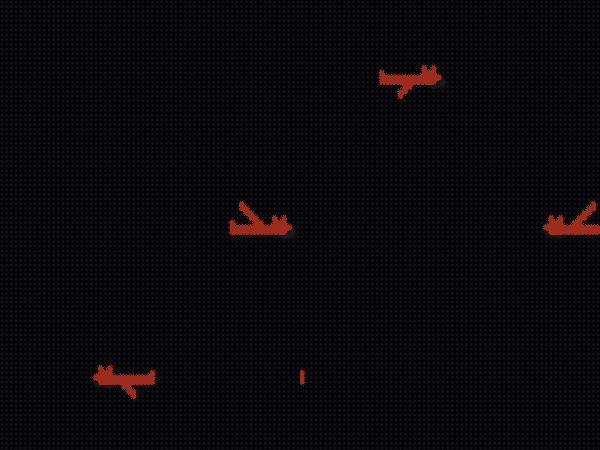
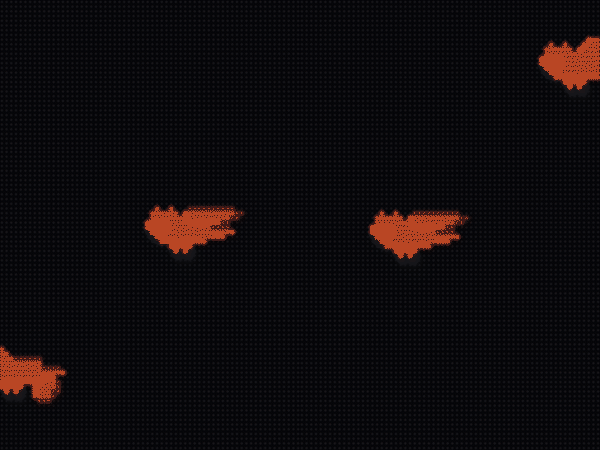
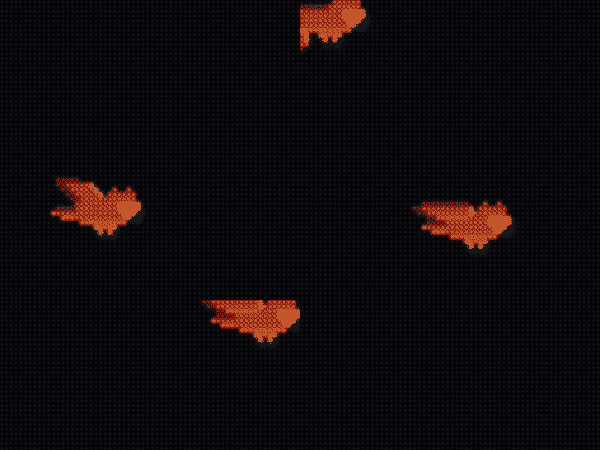
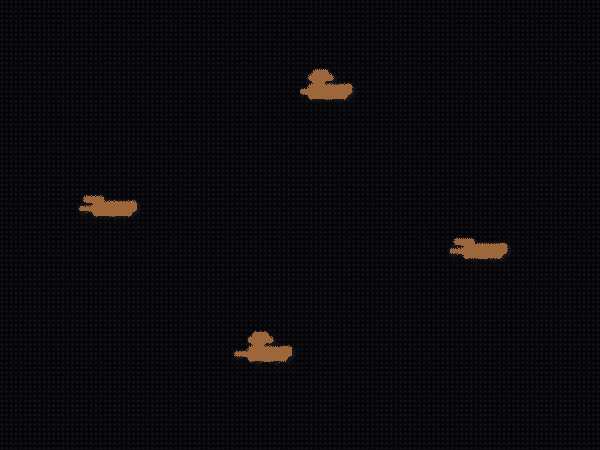
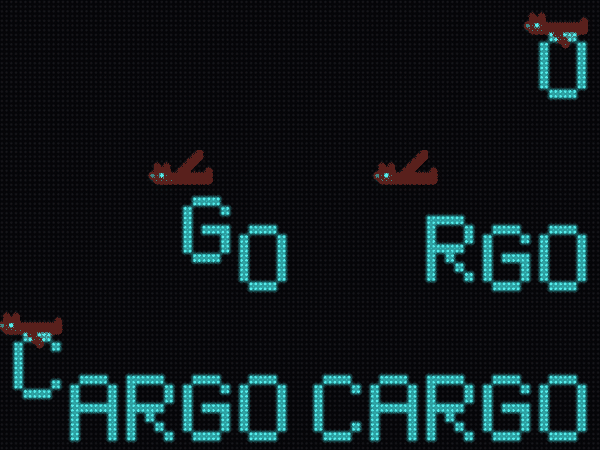
Sprite characters built from ASCII rows — pose cycling, mirroring, eased
flight paths, carried props. Animated with the showcase-reel demo's own art.
Full tutorial: Character Animation.
Two-pose flap — mirrored art on the return tripThree-pose cel flap on a sine swoopThe stoop — ease-in dive, ease-out climbBee zigzag — a sine path with a two-pose flapCarrying props — letters released from the talons
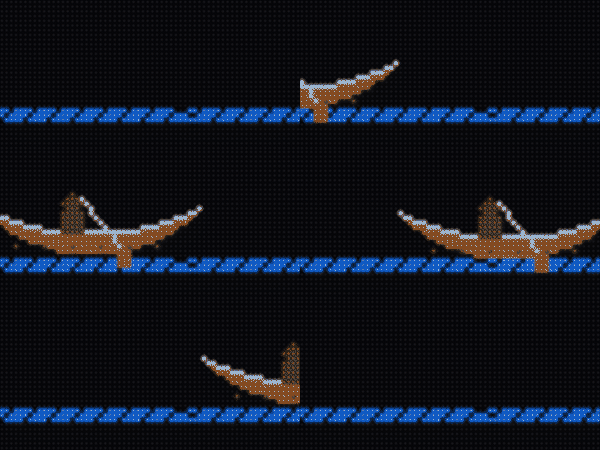
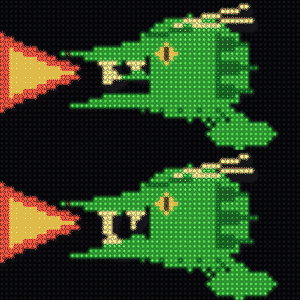
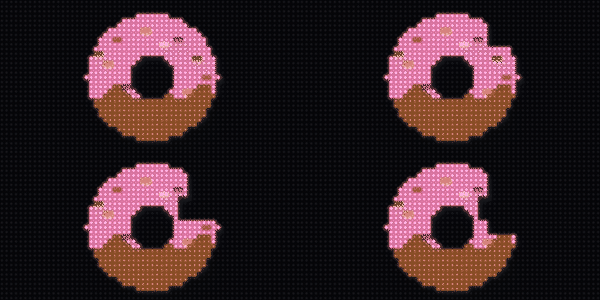
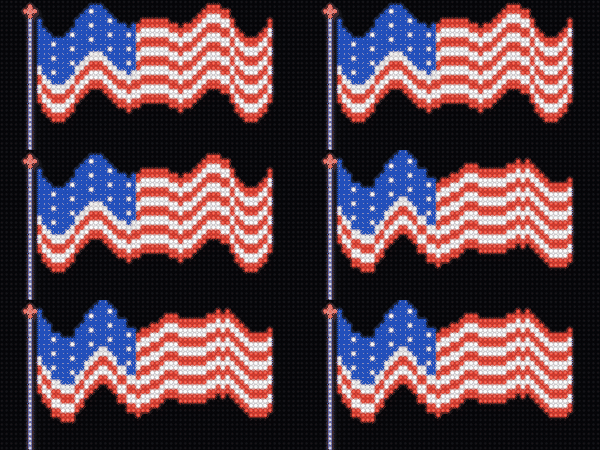
Per-frame motion layered onto a static image already on screen — the image holds while
part of it moves. Documented in Effects.
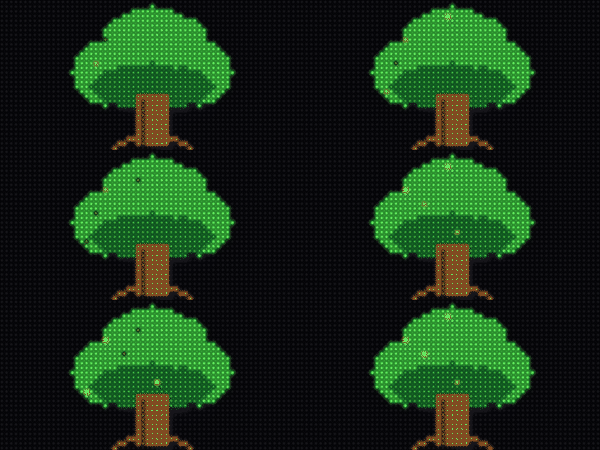
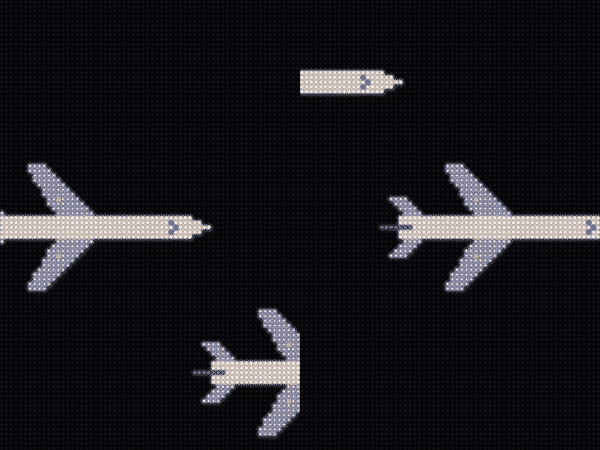
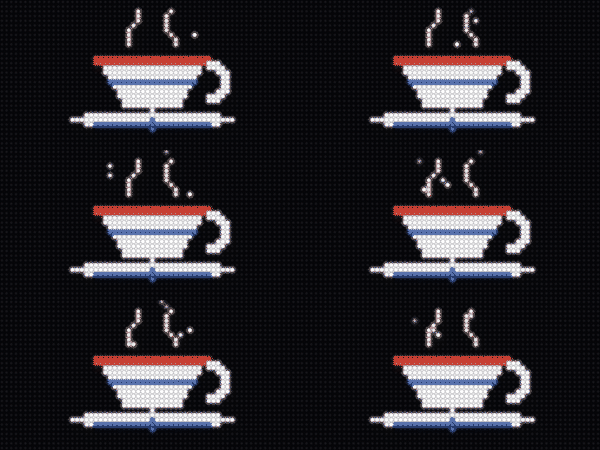
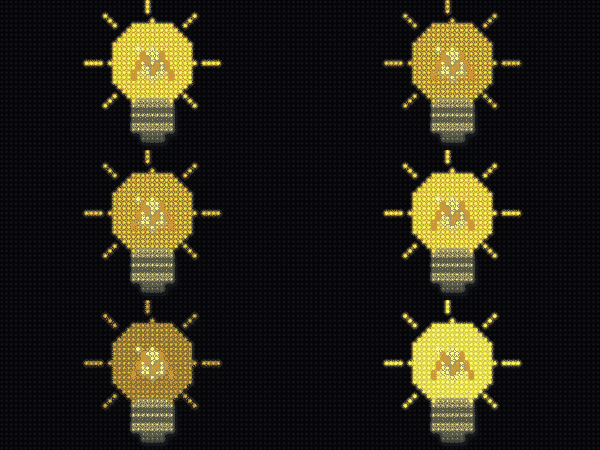
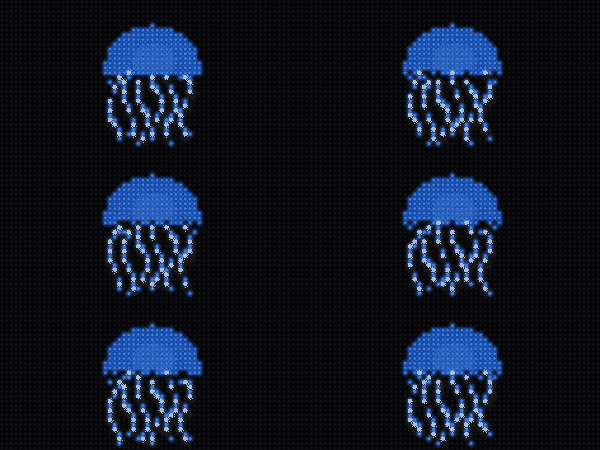
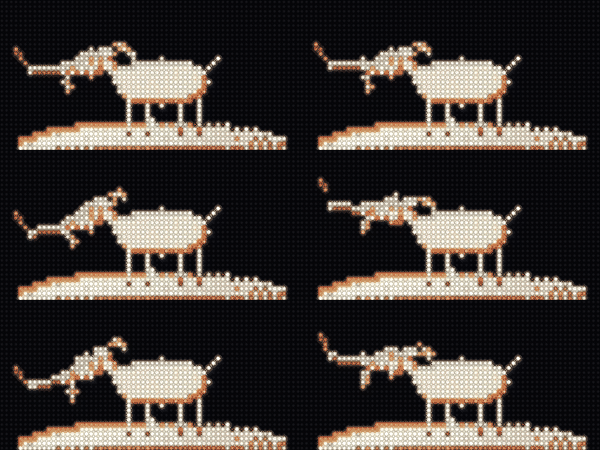
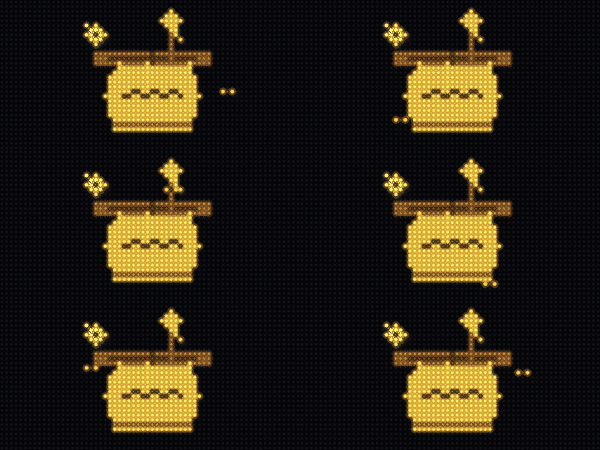
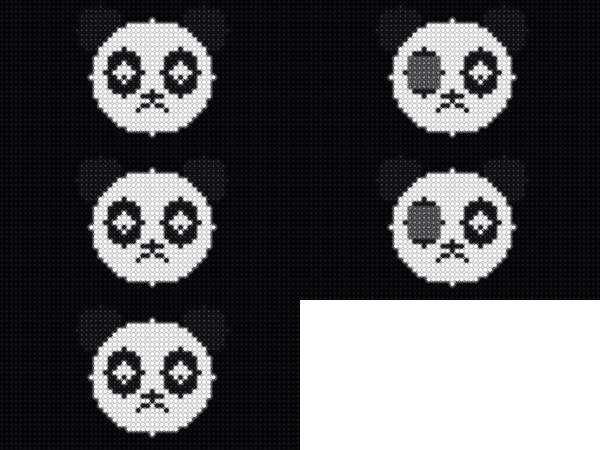
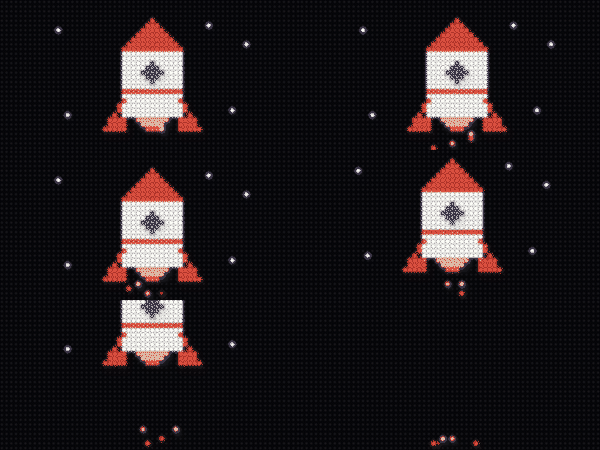
TwinkleAnimator — fireflies twinkle over the leavesMotionAnimator — the whole tile flies across and offEmitterAnimator — steam drifts up from the cupPalettePulseAnimator — the filament breathesRegionShiftAnimator — tentacles ripple (per-column wave)RegionRotateAnimator — the goat tilts its head (true rotation about the neck)OrbiterAnimator — a bee loops the honey potBlinkAnimator — the eyes blink shut and openSpriteLiftAnimator — the canoe crosses; the water staysCoverAnimator — mouth reads shut until it snaps openVanishAnimator — a bite is taken out, and stays bittenFrameCycleAnimator — the whole flag wavesComboAnimator — rise + exhaust emitter, composed