Character Animation
A scrolling sign gets attention; a sign with an inhabitant gets affection. This guide builds an animated character from nothing but ASCII art and a handful of integer-math idioms: a sprite drawn as text rows, a two- or three-pose wing cycle, mirroring for direction changes, eased flight paths, and props the character can pick up and put down. Everything runs unchanged on the desktop simulator and a MatrixPortal S3, because per frame it costs almost nothing — a few TileGrid moves and a pose swap.
The worked example is the Showcase Reel demo
(demos/hard/showcase_reel.py), whose flying owl and zigzag bee cross the
panel between acts. The owl art is borrowed from the DarkOwl desk-sign app
that ScrollKit's palette effects were promoted from; every snippet below is
that demo's real code.
Draw the sprite as ASCII rows
A sprite is a list of equal-length strings. Each character names a palette slot, so the art and its coloring stay separate:
SPRITE_CHARS = {".": 0, "#": 1, "o": 2, "w": 3, "d": 4, "h": 5, "b": 6}
SPRITE_COLORS = (
    0x000000,   # 0 transparent
    0xB02318,   # 1 '#' brick red (body base)
    0xFFB030,   # 2 'o' amber (eyes, beak, bee stripes)
    0xFFF1D8,   # 3 'w' warm white (catchlights, wings)
    0x571007,   # 4 'd' dark plumage / bee bands
    0xD4481E,   # 5 'h' hot underside
    0xE8873C,   # 6 'b' tawny buff (facial disc, bee head)
)

# The bee (13x7, facing RIGHT): amber body with hot-orange bands, a white
# eye up front, a tapered tail-stinger, white wings in two poses.
BEE_UP = (
    "....www......",
    "...wwwww.....",
    "....ww.......",
    "...ohhoohhow.",
    "hhoohhoohhoo.",
    "...ohhoohho..",
    ".............",
)
Three rules learned the hard way:
- Slot 0 is transparent. Call
palette.make_transparent(0)so the panel shows through — a character is a silhouette, not a rectangle. - Give characters their own palette. ScrollKit's palette treatments animate by rewriting palette entries; if your sprite shares a palette with the content being treated, the effect will recolor your character mid-flight. A dedicated palette makes that impossible.
- Contrast against black, not against paper. A "black" band on a bee
works on white paper; on an LED panel it just vanishes. The bee's bands use
the hot orange (
h), not the dark shade — dark-on-black disappears.
Rows → Bitmap → TileGrid
Build each sprite once at startup. The conversion is a per-pixel loop, so it must never run inside the frame loop:
def _build_tile(self, rows):
    h, w = len(rows), len(rows[0])
    bmp = displayio.Bitmap(w, h, len(SPRITE_COLORS))
    for y, row in enumerate(rows):
        for x, ch in enumerate(row):
            slot = SPRITE_CHARS[ch]
            if slot:
                bmp[x, y] = slot
    tile = displayio.TileGrid(bmp, pixel_shader=self._sprite_palette)
    tile.hidden = True
    self.display.add_layer(tile)
    return tile
From here on, animating the character means writing tile.x, tile.y, and
tile.hidden — integer attribute writes, effectively free on the device.
Pose cycling: the flap
A character reads as alive the moment its silhouette changes while it moves. Two poses are enough for a small sprite. Draw the wing up and the wing down, then alternate every few frames:
def _fly_pose(self, tiles, frame, x, y):
    """Show one wing pose of the flapping owl at (x, y), hide the other."""
    up = (frame // 3) % 2 == 0
    show, hide = (tiles[0], tiles[1]) if up else (tiles[1], tiles[0])
    show.x, show.y = x, y
    show.hidden = False
    hide.hidden = True
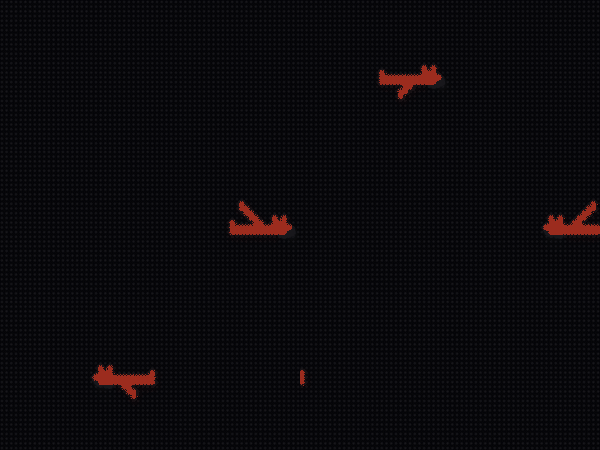
The small owl's two-pose flap — and note the return trip: that's the same art mirrored (next section).
A bigger sprite deserves a real cel cycle. The big owl has three authored
poses — wings UP, MID (glide), DOWN — cycled UP → MID → DOWN → MID so the
wing passes through the glide position on both the upstroke and the
downstroke, exactly like a hand-drawn flap:
def _big_pose(self, tiles, frame, x, y):
    """Cel flap for the big owl: UP -> MID -> DOWN -> MID, 2 frames each."""
    pose = (0, 1, 2, 1)[(frame // 2) % 4]
    for i, tile in enumerate(tiles):
        if i == pose:
            tile.x, tile.y = x, y
            tile.hidden = False
        else:
            tile.hidden = True
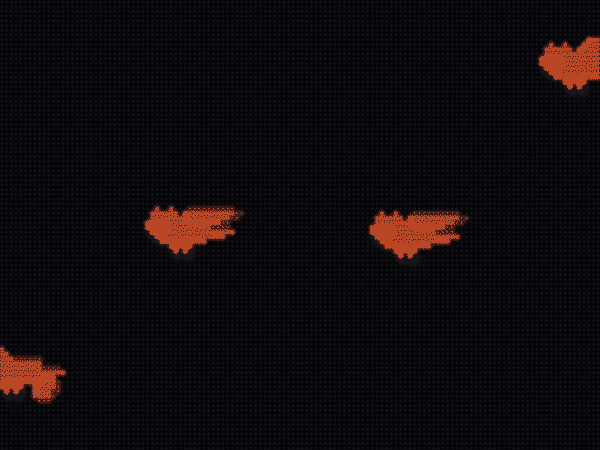
The 24x16 owl's three-pose cel cycle, riding a sine swoop across the panel.
Every pose is its own prebuilt TileGrid; "changing pose" is two hidden
flags. Never rebuild bitmaps to change a frame of animation.
Mirroring for direction
A character that only ever flies one way feels like a screensaver. Flip the rows once at startup and build a second set of tiles:
def _mirror(rows):
    """The sprite flipped left-to-right (index loop — CircuitPython has no
    extended slices, so rows[::-1]-style tricks are off the table)."""
    out = []
    for row in rows:
        out.append("".join(row[len(row) - 1 - j] for j in range(len(row))))
    return out

self.fly_left = [self._build_tile(OWL_FLY_UP), self._build_tile(OWL_FLY_DOWN)]
self.fly_right = [self._build_tile(_mirror(OWL_FLY_UP)),
                  self._build_tile(_mirror(OWL_FLY_DOWN))]
Note the index loop: CircuitPython has no extended slices, so
row[::-1] raises on the device even though it works on desktop. The
simulator won't catch this for you — it's real Python.
Flight paths: easing is the acting
Linear motion reads as robotic. Two cubic easings and a sine are enough to give a sprite intent:
def _ease_out(t):
    """Cubic ease-out on t in 0..1 (decelerating arrivals)."""
    inv = 1.0 - t
    return 1.0 - inv * inv * inv

def _ease_in(t):
    """Cubic ease-in on t in 0..1 (accelerating departures and dives)."""
    return t * t * t
- Arrivals decelerate (
_ease_out): the owl brakes onto its perch. - Departures accelerate (
_ease_in): it commits and goes. - Crossings ride a curve. The big owl's flyby bends through
y = y_base + dip * sin(pi * t)— one graceful swoop instead of a straight line. The bee gets a busier personality from a higher-frequency sine:
x = int(round(-bee_w - 2 + 1.8 * f))            # constant drift...
y = y_base + int(round(5.0 * math.sin(f * 0.30)))   # ...on a nervous zigzag
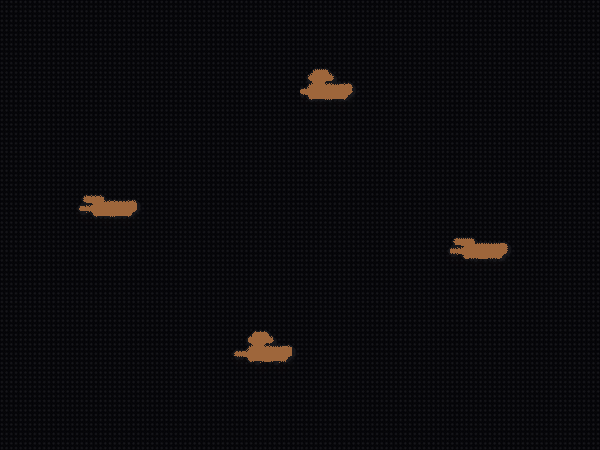
Same two-pose flap idiom as the owl, but the sine path makes it a bee.
Combine the two easings and you get the most dramatic move a bird knows —
the stoop. Dive on ease_in (gravity wins), then climb out on ease_out
(momentum spent):
if f <= dive:
    p = f / dive
    y = -4 + 20 * _ease_in(p)        # accelerating dive
else:
    q = (f - dive) / climb
    y = 16 - 22 * _ease_out(q)       # decelerating climb-out
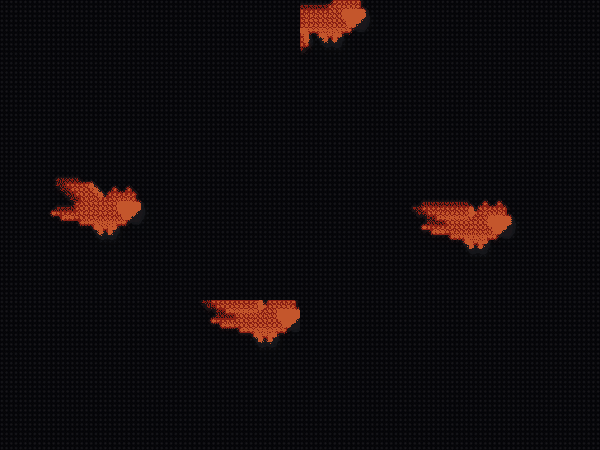
An ease-in dive plus an ease-out climb reads as hunting, not commuting.
Carrying props
The strongest character beats come from interacting with the content itself. In the showcase reel's opener the owl air-drops the letters of SCROLLKIT one by one, then sweeps back later and collects them. The mechanics are three small ideas:
- The prop rides at a fixed offset from the carrier (the talons), so it moves for free while attached.
- Release is a position test: when the talons pass a letter's slot, that letter switches from "riding" to "falling".
- Gravity is
t * t: a quadratic fall from the talon height to the letter's resting slot.
owl_center = x + owl_w * 0.35            # where the talons are
for i in range(len(letters)):
    tile, tx, ty, w = letters[i]
    if i not in dropped and owl_center <= tx + w / 2:
        dropped.add(i)                   # release this letter
        falling.append([i, 0])

for item in falling:                     # each falling letter
    i, phase = item
    t = phase / fall_frames
    tile.y = int(round(drop_y + (ty - drop_y) * t * t))   # gravity
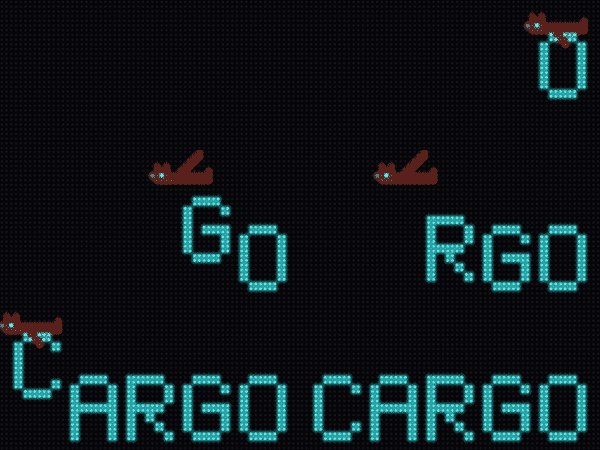
Props released from the talons as the owl passes each slot. The pickup is
the same loop reversed: letters rise t * t back into the claws.
Staying inside the hardware budget
The MatrixPortal S3 is ~100x slower than your desktop, with a ~50 ms frame budget at 20 fps. Character animation as described here fits easily because of what it doesn't do per frame:
| Per frame | Cost |
|---|---|
tile.x / tile.y / tile.hidden writes |
effectively free |
a pose swap (two hidden flags) |
effectively free |
| palette writes (colors, blinks) | cheap — no pixel work |
| building a Bitmap / rebuilding art | never do this per frame |
| per-pixel Python loops over the panel | ~7 µs per pixel — the trap |
The rules: build every tile (both directions, all poses) once at scene start; animate only by moving and hiding them; keep any per-pixel work (the ASCII conversion) out of the frame loop. The whole showcase reel — characters, treatments, swarms and all — models at ~120 fps on real S3 measurements with no feasibility warnings.
Verify your own app the same way:
SCROLLKIT_HW_SIM=1 python your_app.py # model device timing in the sim
or read display.feasibility_report() after a headless run — see the
Performance guide and the
Simulator guide for the full loop.
See it live
Every clip on this page regenerates from the showcase reel's own sprite code
via make docs-reference, and each has a live preview:
python demos/render_reference.py --preview owl-stoop
python demos/hard/showcase_reel.py           # the whole reel, endlessly